Donate Office Blog
The latest thinking, learning, and features from the Donate Office team.
How Can I Collect Gift Aid Declarations Easily from Donors?
Blog
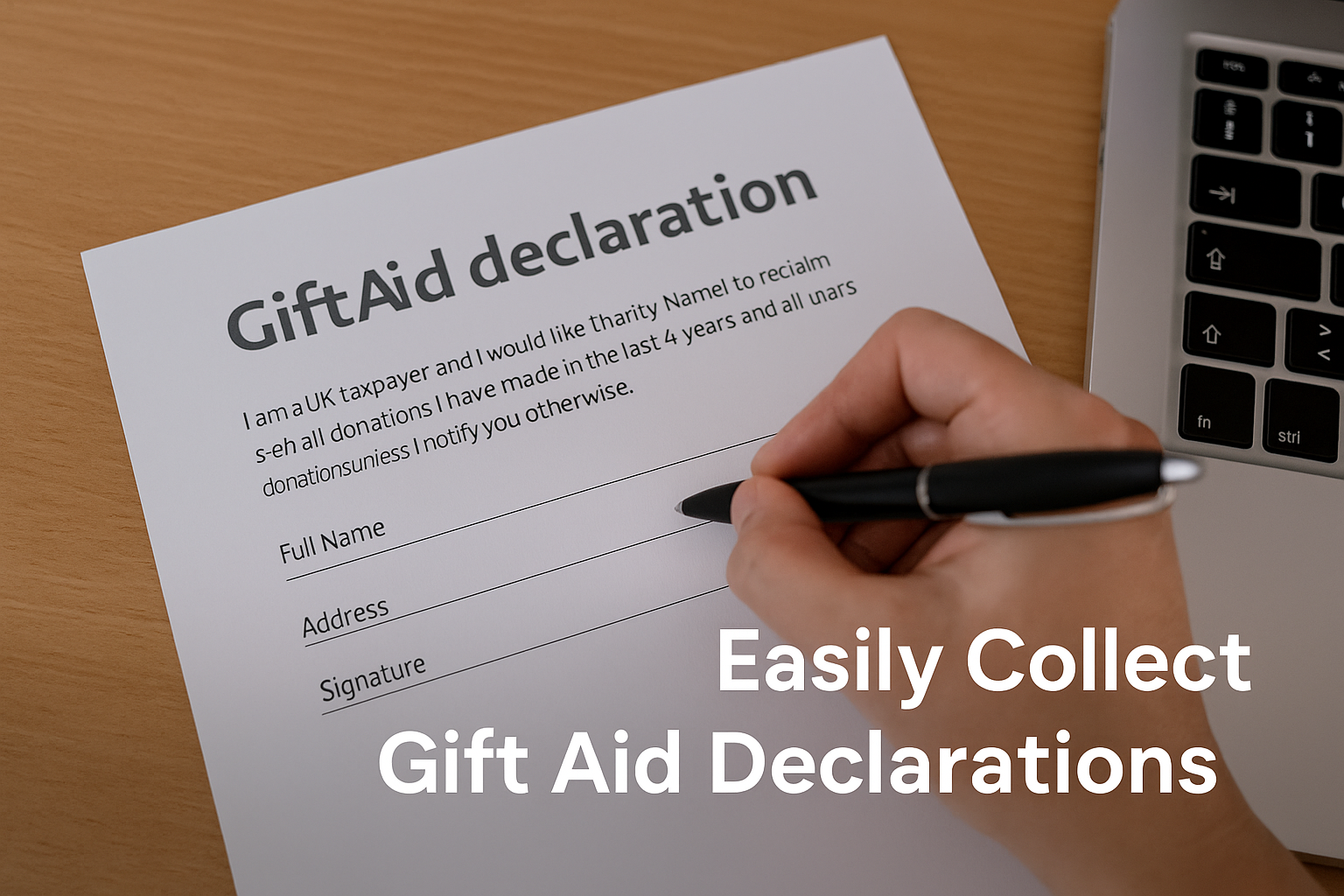
If your charity operates in the UK, Gift Aid is probably one of the most valuable tools you have. But if you’re like many small- to medium-sized charities, you may be wondering:
-
How do I collect Gift Aid declarations without using paper forms?
-
Can the process be automated?
-
What happens if a donor forgets to sign a declaration?
-
How do I store and retrieve them quickly?
At Donate Office, we’ve designed a smarter, cleaner way to manage Gift Aid declarations — all built into your donation workflow.
What Is a Gift Aid Declaration?
A Gift Aid declaration is a statement from your donor confirming they are a UK taxpayer and agree that you can claim back 25p for every £1 they donate.
Without this, you can’t legally claim Gift Aid, which means you’re potentially losing up to 25% in extra income on eligible donations.
How Donate Office Makes Gift Aid Declarations Simple
When you record a donor in Donate Office and mark them as “Gift Aid Eligible,” the system automatically:
-
Prompts you to upload a Gift Aid declaration
-
Asks where the declaration was made (e.g. website, phone, office)
-
Creates a PDF version of the declaration with all the required fields
-
Saves a copy against the donor’s profile
-
Emails a copy to the donor for their records
This entire flow takes just a couple of clicks. You no longer need to chase forms, scan signatures, or risk losing compliance documents.
Can I Customise the Gift Aid Declaration?
Yes, you can:
-
Add your own header and footer to the PDF
-
Include custom wording or legal disclaimers
-
Update your branding from the Site Settings page
Every declaration you collect looks professional and aligns with your charity’s messaging.
What Else Can I Do with Gift Aid in Donate Office?
-
Run Gift Aid reports for any date range
-
Export CSV files for submission to HMRC
-
Track which donations are eligible
-
Filter donors based on Gift Aid status
-
Upload historic declarations retroactively
Whether you’re new to Gift Aid or have been submitting claims for years, Donate Office makes the process easier and faster.
Common Questions
Can I record verbal Gift Aid declarations?
Yes — just record the method (e.g., phone) and date, then upload any internal record or signature confirmation.
What if a donor makes multiple donations?
One declaration can cover multiple donations — even across campaigns — as long as the donor confirms ongoing eligibility.
Can I re-send declarations to donors?
Yes. You can re-download or resend any declaration via email with one click from their donor profile.
What happens if someone revokes Gift Aid?
You can update their profile and exclude those donations from future submissions.
Why This Matters
Gift Aid isn’t just an add-on — it’s a major part of your income stream. But for many charities, it’s still handled manually or not claimed at all.
With Donate Office, it becomes part of your everyday workflow. Smart, simple, and HMRC-compliant — so you can focus on fundraising, not forms.